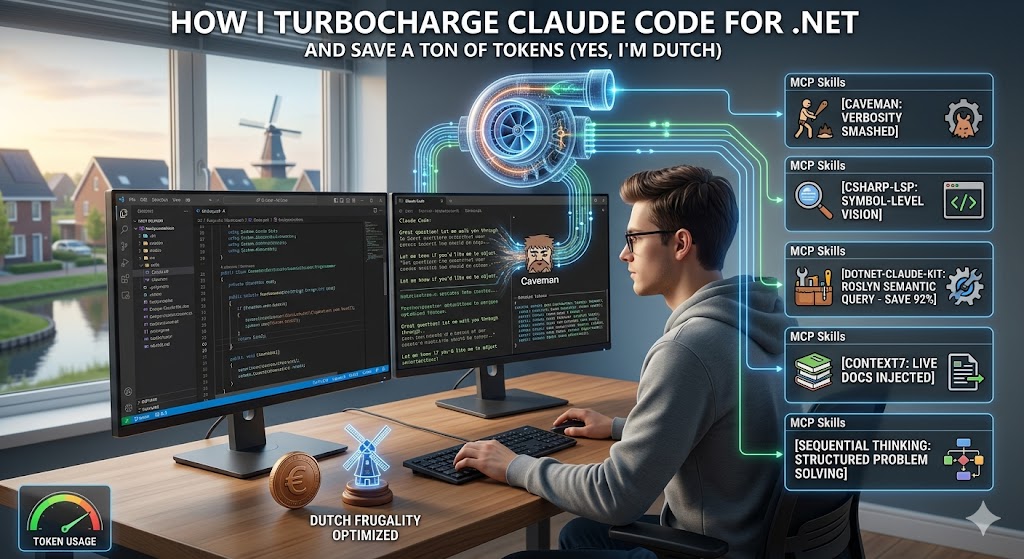
Let's talk about something that's been on my mind lately: token costs. Yes, I'm Dutch, and yes, I noticed that with the latest updates Claude Code is burning through tokens much harder. Besides not just accepting the default settings of Claude I've found some tools that save money and also produce dramatically better results.
Here's what I'm using every day.
Yes off course Caveman.
You know that moment when Claude responds with "Great question! Let me walk you through this step by step"? Or when create extensive documentation about everything he does? Every single one of those pleasantries, every "Let me know if you'd like me to adjust anything!". Those are all tokens burned. Expensive, slow tokens that add zero information.
The Cavemen plugin strips Claude's responses down to their essentials. No fluff, just substance. Sessions are faster, costs are lower and communication is more direct. I love it!
# In claude code
/plugin marketplace add JuliusBrussee/caveman
/plugin install caveman@caveman
Check it out
References
https://github.com/JuliusBrussee/caveman
https://skillsllm.com/skill/caveman
csharp-ls: Claude Code and C#
By default Claude Code just reads your .cs files as plain text. No structural understanding, no semantic awareness. Of course Claude Code can use its knowledge to recognize the project, and the code, and it will know C#. So in the end he will understand and structure it. But again this costs reasoning and tokens.
But what if we can give that some boost?
The csharp-ls plugin connects Claude to the same engine that powers those red squiggly lines in Visual Studio, VS Code, and Rider. Two immediate wins:
Compilation errors: Instead of Claude reasoning about why something won't compile and occasionally getting it wrong, what if the language server just tells it what's broken. With this plugin, Claude will get the exact same errors as you will see in your IDE.
Cross-project navigation: Following a symbol across project boundaries in a large solution normally means Claude reading file after file, hoping it traces the right path. Roslyn already knows exactly where everything lives. The language server just hands over the answer.
To be fair, this is more of a speed improvement than a fundamental capability unlock. But when you're iterating rapidly, shaving seconds off every lookup compounds fast.
# Install the language server globally
dotnet tool install --global csharp-ls

# Install the Claude Code plugin
/plugin install csharp-lsp
DotNet-Claude-Kit
This gem supercharges Claude Code for .NET by connecting it directly to the Roslyn compiler. This plugin lets Claude Code query the Roslyn compiler for instant, compiler-accurate answers in 30-150 tokens.
What the catch?: it's a relatively new open-source project under active development, so long-term support isn't guaranteed yet. For now, it's brilliant.
Here is a graph from the Author.
| MCP Tool | What it replaces | Without kit | With kit | Savings |
|---|---|---|---|---|
find_symbol |
Grep all files | 500+ tokens | 30–50 | 92% |
find_references |
Manual grep | 500+ tokens | 50–150 | 80% |
find_implementations |
Search | 500+ tokens | 30–80 | 89% |
find_callers |
Method name grep | 500+ tokens | 40–100 | 86% |
Besides a better understanding of your code this plugin also has some cool templates, patterns agents and skills which can be used. I tried some and its pretty fast and cool.
This is excellent if you want to start a new project.
https://codewithmukesh.com/resources/dotnet-claude-kit/
# Step 1: install the Roslyn MCP server
dotnet tool install -g CWM.RoslynNavigator


# Step 2: install the plugin via Claude Code
/plugin marketplace add codewithmukesh/dotnet-claude-kit
/plugin install dotnet-claude-kit
References
https://github.com/codewithmukesh/dotnet-claude-kit/tree/main
https://codewithmukesh.com/resources/dotnet-claude-kit/
Context7
Context7 is an MCP server that fetches version-specific documentation directly from source repositories. It injects found documentation into Claude's context. Instead of Claude answering from memory, Claude answers from the actual current docs for the version you're using. This plugin includes a skill that automatically triggers when you ask about libraries or frameworks. (But you need to tell Claude that it can use Context7, see below)
It also ships with a dedicated docs-researcher agent for focused lookups that keeps your main conversation context clean.
/plugin marketplace add upstash/context7
/plugin install context7-plugin@context7-marketplace
Add a rule in Claude.md to set it up.
Always use Context7 when I need library/API documentation, code generation, setup or configuration steps without me having to explicitly ask.
When you add this rule, you tell Claude that it has Context7 MCP at its disposal and it will use it, and its plugin, to find the right up-to-date documentation for the tool or Frameworks that you are using.
References
https://github.com/upstash/context7#installation
https://context7.com/
Andrej Karpathy's post on LLM coding pitfalls
Who is Andrej Karpathy?
https://karpathy.ai/
This plugin isn't an MCP server. It's a single CLAUDE.md file/update that changes how Claude approaches coding.
Derived from Andrej Karpathy's sharply-observed post on LLM coding pitfalls (https://x.com/karpathy/status/2015883857489522876), it addresses the three LLM behaviors.
- models making wild assumptions without checking.
- over complicating simple code into bloated abstractions.
- touching files they had absolutely no business touching.
Based on these behaviors you can already imagine that your tokens costs can become extremely high without some proper guidance. This plugin can give that guidance.
This plugin is build on four simple principles
Think Before Coding
Surface confusion instead of hiding it. If uncertain, ask rather than guessing. Present trade-offs instead of silently picking one. Push back when a simpler approach exists.Simplicity First
If 200 lines could be 50, rewrite it. No features beyond what was asked. No abstractions for single-use code. No "flexibility" for scenarios that don't exist.Surgical Changes
Touch only what you must. Don't "improve" adjacent code. Don't refactor things that aren't broken. Don't delete comments you don't understand. Every changed line should trace directly back to the request.Goal-Driven Execution
Instead of telling Claude "What To Do" ("add validation"), give it verifiable success criteria ("write tests for invalid inputs, then make them pass"). Karpathy observed that LLM's are exceptionally good at looping until they meet specific goals. Just define the goal and let them go.
Now these principles look very simple, but they can safe you some real costs and time.
/plugin marketplace add forrestchang/andrej-karpathy-skills
/plugin install andrej-karpathy-skills@karpathy-skills

